Why we're switching to Blip for file transfers (and you should too)
courtesy of blip
If you've been sending us files via Dropbox, we need to talk. Not because you did anything wrong — Dropbox has served us well for years. We’ve even converted some die-hard Google Drive users which made all of our lives easier.
But there's a new, better way, and it's called Blip.
Disclaimer: This isn't a paid promotion. We're sharing this because we genuinely love the tool and think it solves a real problem for any Oregonian filmmaker, videographer, creative agency or brand working with large files.
The File Transfer Problem Nobody Talks About
Here's the thing about video post-production: file sizes are getting ridiculous. And in Eugene, Oregon, where internet speeds can vary vastly, it can be tedious to send multiple terabytes of footage. Even iPhone ProRes footage adds up fast when you're capturing hours of content.
For years, we've watched clients wrestle with:
Upload limits on free plans
Browser tabs accidentally closing mid-transfer (looking at you, WeTransfer)
Paying for multiple file transfer subscriptions
That moment of panic when a 500GB upload fails at 98%
Google Drive? Don't get me started. Yes, it's free. Yes, everyone has it. But for video production and post-production work, it's genuinely the worst platform for file collaboration. Compression issues, transcoding that murders your carefully captured footage, and sync problems that make you question your sanity.
If you're sending us files for editing, color correction, or motion graphics work—please, use literally anything else.
Enter Blip
Like AirDrop, But Actually Universal
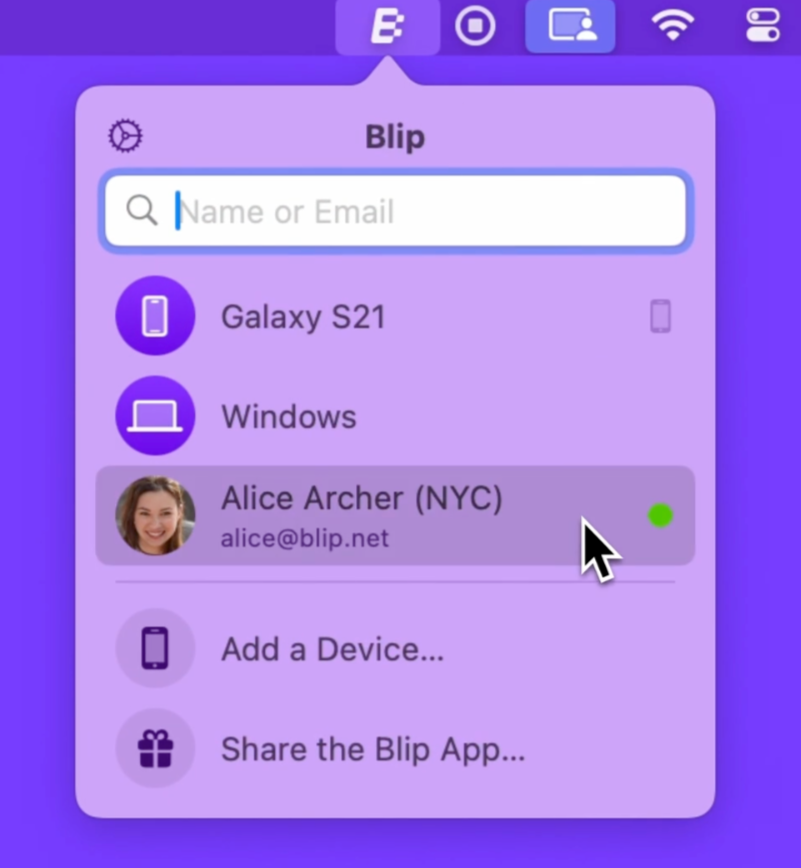
Blip is ridiculously simple: it's peer-to-peer file transfer that works across every device and operating system. Think AirDrop, but for Windows, Mac, Linux, iOS, and Android.
Here's what makes it perfect for video editing workflows:
1. No File Size Limits on the Free Personal Plan
Read that again. No. File. Size. Limits.
Whether you're sending us a 2GB social media cut or a 2TB multi-cam project, Blip handles it on the free tier. This is huge for freelance videographers and small production companies in Eugene who don't want to pay for enterprise file transfer plans.
2. Not Browser-Based
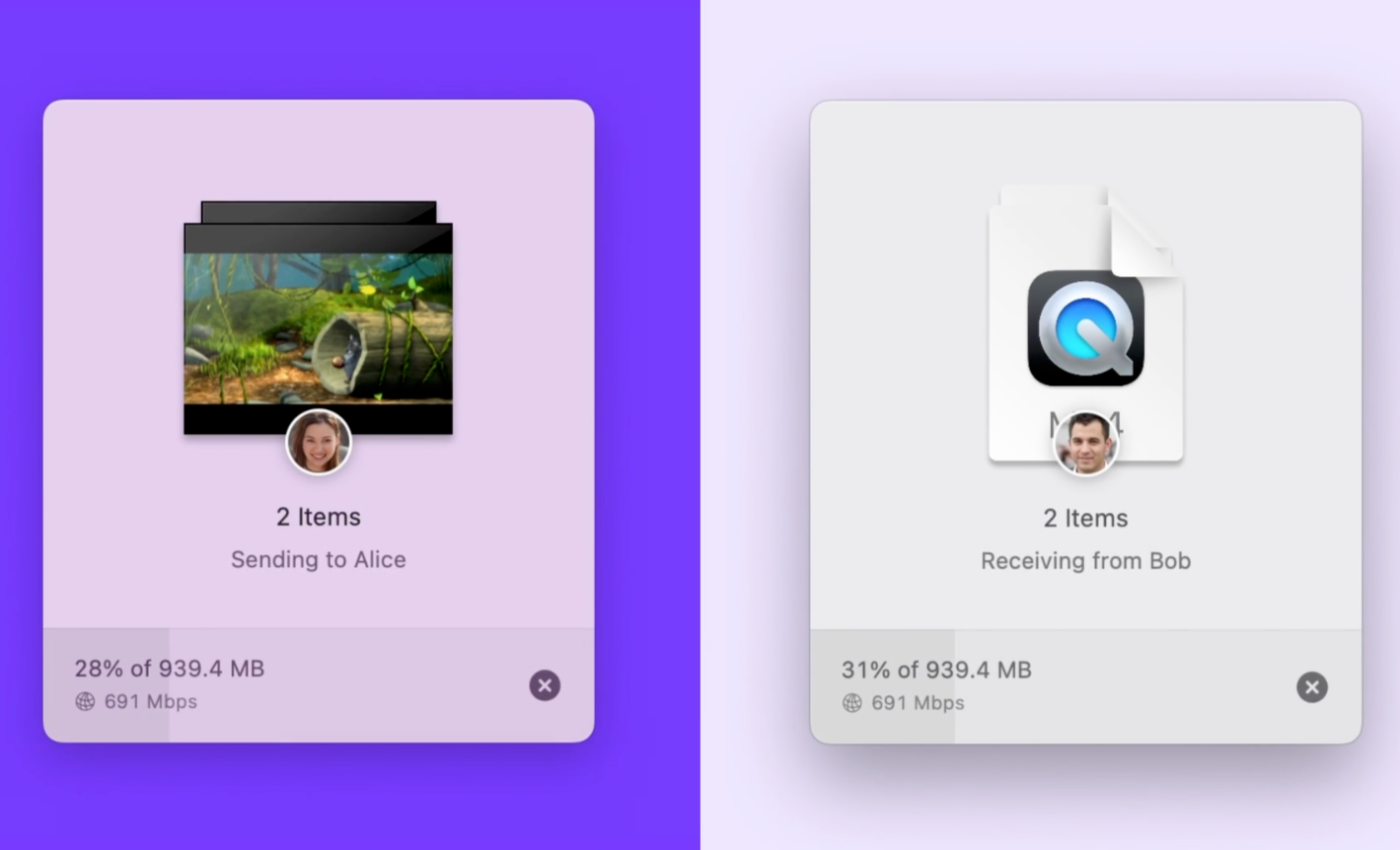
This matters more than you think. When you're uploading gigabytes of footage, the last thing you want is to accidentally close your browser tab. Blip runs as a standalone app, so your transfer keeps going even if you need to look something up or check email.
For our less tech-savvy clients (and we love you), this eliminates that heart-stopping moment when you realize you closed the wrong window.
3. RESPECT FOLDER STRUCTURE WITHOUT ZIPPING
Unlike other solutions, Blip maintains your complete folder structure. Just select your root folder and send — everything arrives organized exactly as you arranged it. No waiting for ZIP compression, no account creation, no sync setup required.
3. Stupid Simple to Use
Download the app. Select your files. Send. That's it.
No account required for basic transfers. No complicated folder structures. No wondering if someone actually received your files or if they're stuck in upload purgatory.
Send Files to Anyone
Here's the bonus: Blip isn't just for professional video editors and videographers in Eugene. It's genuinely useful for everyday file sharing.
Sending vacation photos to family? Use Blip.
Sharing uncompressed audio with a musician friend? Use Blip.
Transferring that massive Photoshop project to your designer? Use Blip.
The fact that it's free with no restrictions makes it the kind of tool you download once and just...keep using.
courtesy of blip
Our New Workflow
Moving forward, we'll be recommending Blip as our primary file delivery method for video editing and post-production projects. It streamlines our intake process, eliminates upload failures, and just works.
That said, if you’re one of our clients: If you have an existing workflow with Dropbox, WeTransfer Pro, MASV, or any other platform (with the exception of Google Drive), absolutely keep using it. We're not gatekeeping file formats here — we just want to make the process as painless as possible.
Try It Yourself
Here's our challenge:
Than send a file to someone you know. Could be a family member. Could be a colleague. Doesn't matter.
You'll immediately understand why we're switching.
For those of us working in video production, post-production, motion graphics, and visual effects in Eugene and across Oregon, tools that actually solve problems without creating new ones are worth shouting about.
Blip is one of those tools.